You can only export the Current Group. If you want to export only a portion of the contacts in the Current Group, create a new lookup that will identify just those you want to export.
Tutorial: Exporting a Current Group
| 1. | Create the group you want to export. |
| 2. | Select or (same thing). |
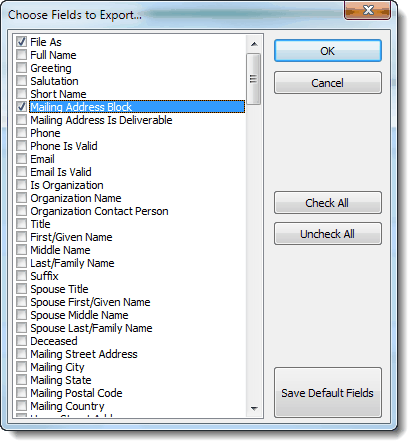
| 3. | Select the fields you want to export. (Press Save Default Fields to remember the selected fields for next time.) |
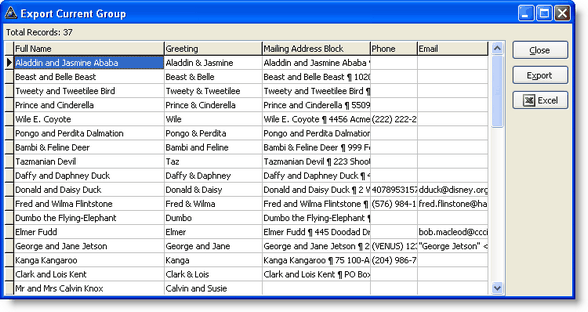
| 5. | Press the desired output button. |

