The User Interface Tab is where you control some of the ways TntConnect displays contacts or reacts after clearing a task.
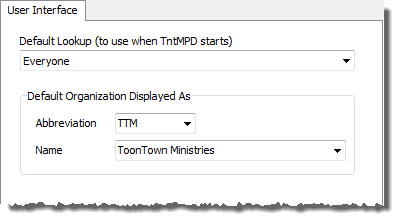
Default Lookup
|
Select a lookup that runs when you open TntConnect. One of the options is your current lookup, if it is different from the list.
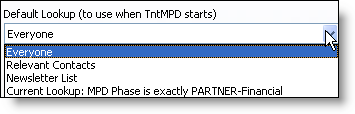
|
Referrer's Short / Full Name
|
When you use the Add Referrals box to add new contacts, TntConnect automatically adds the Referrer's name to the TNT Tab. You can choose here whether that name will appear as the Short Name (informal) or Full Name (formal, with titles such as Mr and Mrs).
Read More > Add Referrals
|
Use Windows Auto-Dialer
|
You can enable/disable the feature that automatically starts the Windows Auto-Dialer or Skype dialer when you click on the phone number on the Address Block.
|
Default to show history after clearing a task
|
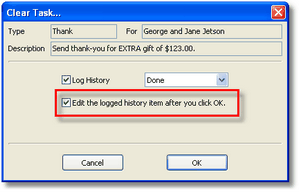
If you prefer to modify the description on a task before recording it in your History, you can force TntConnect to bring up the task after you check it as completed. This defaults the check-box to Checked on the cleared task:
|
Draw a line through attempted history items
|
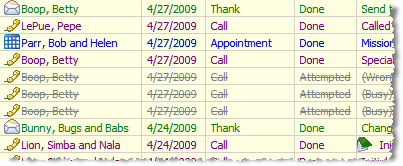
To better identify history attempts, you can have attempted tasks appear with a strikethrough.
|
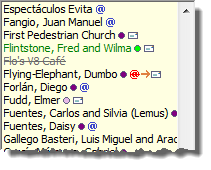
Draw a line through contacts that are "not interested"
|
You can display the contacts in your Current Group with a strikethrough if their TNT Phase is "Not Interested"
|