Downloading from multiple accounts
First you need to add these accounts into TntMPD.
1. Click on "Gift Input".
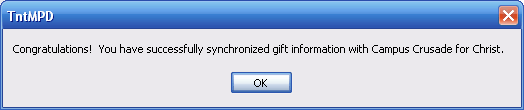
2. Enter the first account. Click "Next" and sync as you would any other account.
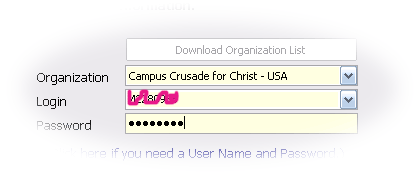
3. Click on "Gift Input" again.
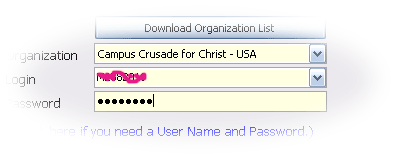
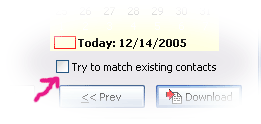
4. Enter the second account. Click "Next" and sync as you would any other account. You might want save time by removing the check box next to "Try to match existing contacts".
4. Repeat steps 3 and 4 for any more accounts you wish to add.
Tips for downloading from multiple accounts...
If you want to download from just one account at a time, pick it from the list, then click "Next" and sync as you would any other account.
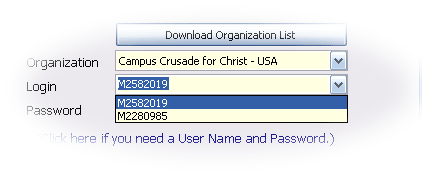
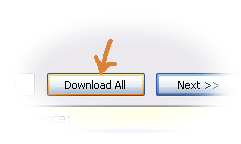
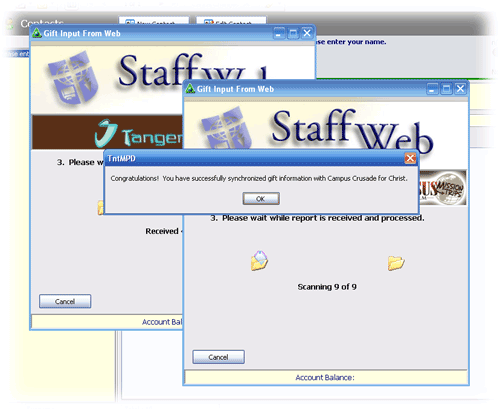
If you want to download from all accounts simultaneously, click on "Download All". Note: You might need at least three accounts entered before TntMPD will reveal the "Download All" button. This will be fixed in a future version.